

4.9
(231)
“The team was responsive and professional. They made the whole experience feel easy from start to finish.”
Pull your online reviews and private QR feedback into one dashboard, then surface the themes and trends your team needs to respond faster and improve the customer experience.




 20+
20+“The team was responsive and professional. They made the whole experience feel easy from start to finish.”
















Marco V.
1d agoQuick service and a friendly team. Exactly the kind of experience customers talk about online.

David P.
18h agoLong wait and unclear next steps. One frustrated visit can shape how people choose you.

Leslie W.
8m agoLooking for a reliable local provider. Do you have availability for an estimate this week?

Sam R.
2d agoGreat session overall, but check in felt disorganized during a busy class.

Chris M.
2d agoSolid experience with a few rough edges. Would come back if the follow up improves.

Anonymous
4h agoEasy to recommend. Staff answered questions clearly and the whole visit felt professional.

Dana W.
1h agoSubject: Follow up on our visit last week. We'd like to book again and leave a review.
This week
Customer sentiment themes
Week highlight
Teams keep catching recurring issues earlier when every channel flows into one inbox.
Customers rate you on Google, Yelp, industry sites, and social. Every public review flows into one inbox so your team always knows what people are saying online.
That is the first half of the picture. Pair it with private QR feedback below and you get the full story in one dashboard.
0%
Of consumers read online reviews before choosing a business
0×
More likely to engage with businesses that respond to reviews
0%
Of customers read owner responses to reviews
0%
Faster at catching recurring issues in one inbox
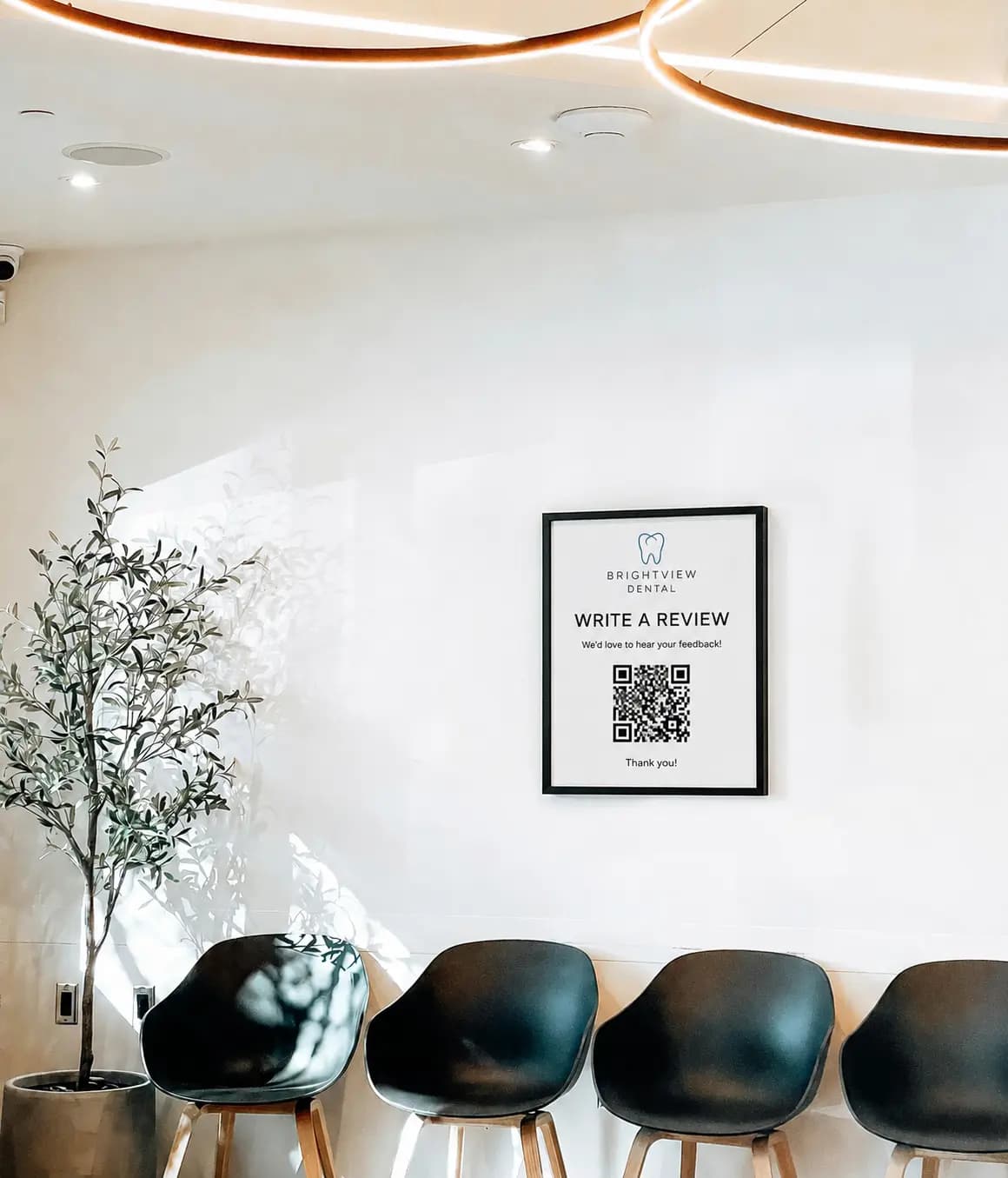
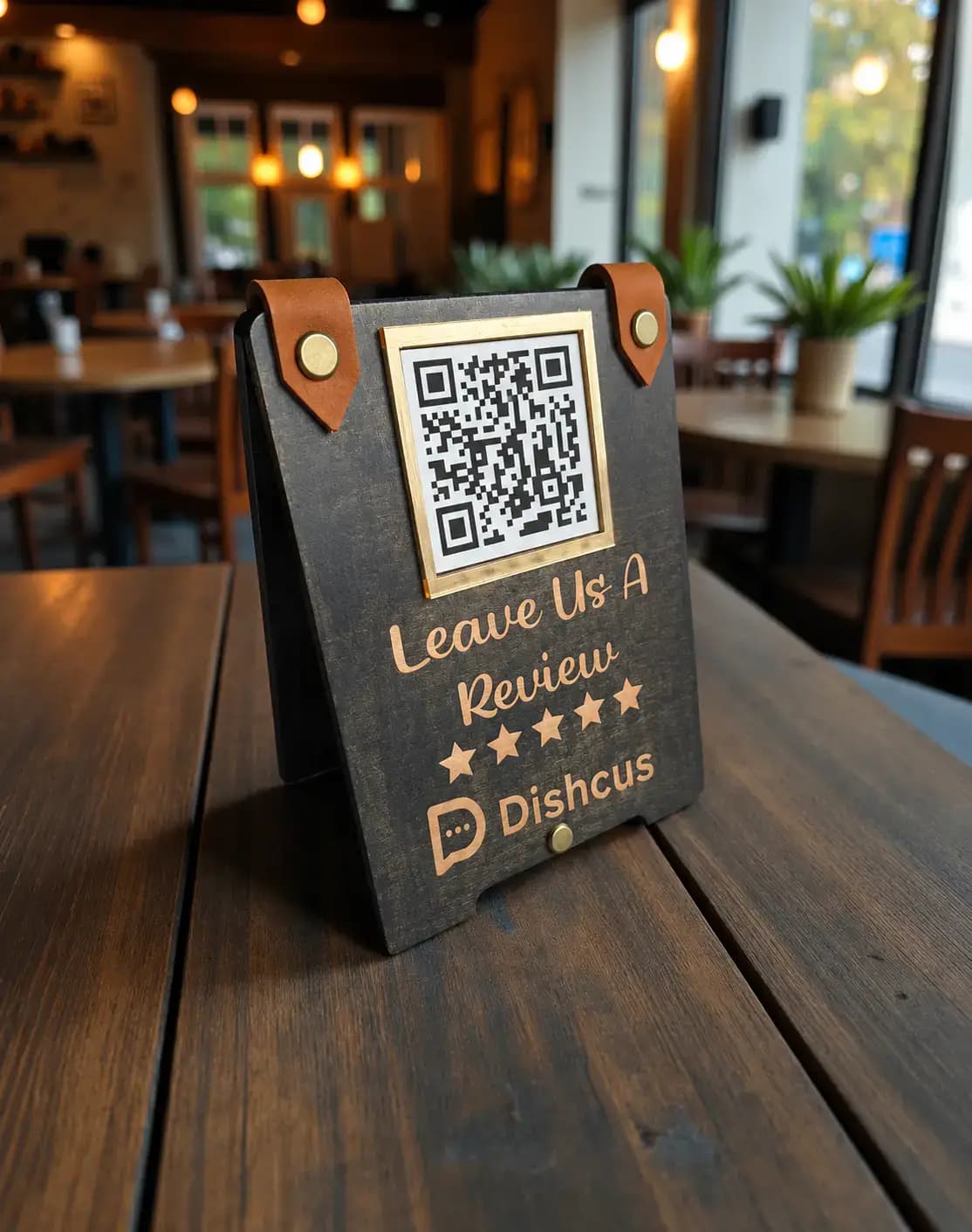
Share a QR at your location. Customers scan, leave candid feedback in seconds, and nothing hits Google or Yelp. It lands in the same dashboard as your online reviews, so you hear the quiet middle while it is still private.
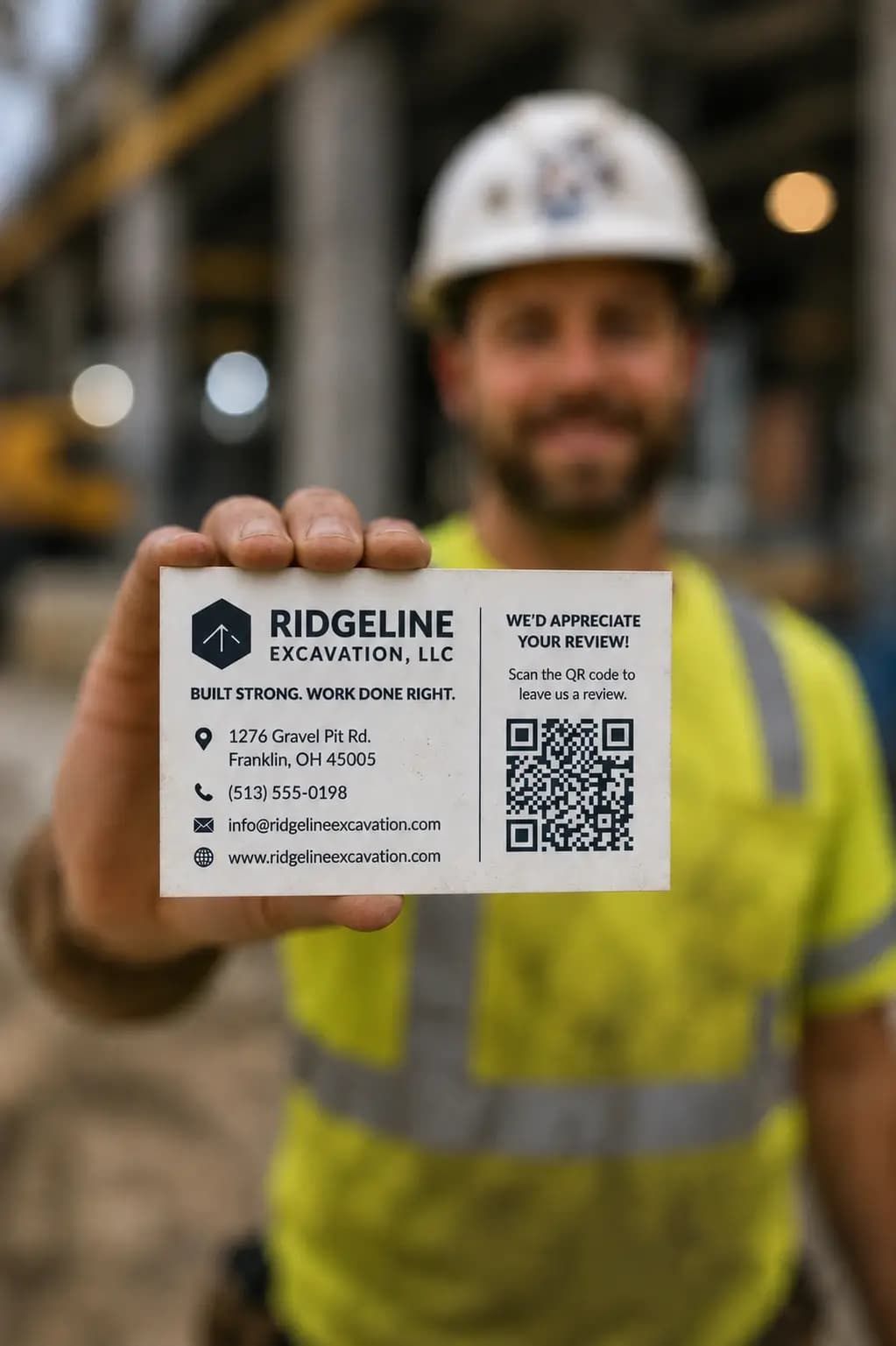
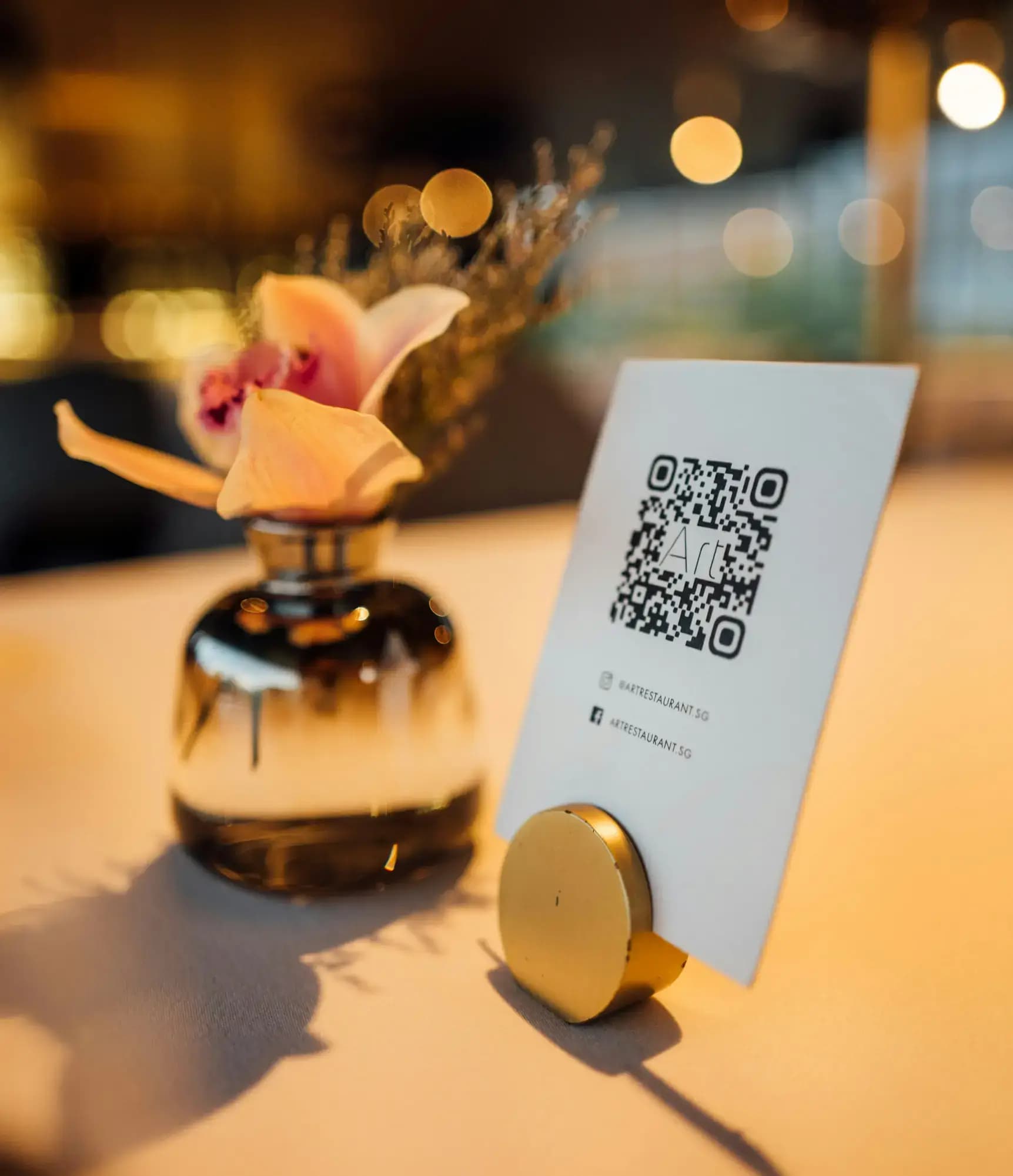
Place a QR at your location: front desk, checkout, or job site. Customers share feedback on their phone in seconds.
Nothing posts to Google, Yelp, or social. Customers can flag issues without worrying they are hurting your rating.
Reply privately, follow up, and recover the experience before frustration becomes a public review.
Same review inbox and private QR feedback, with products tailored for how your business runs.
Same review inbox and private QR feedback, with products tailored for how your business runs.



One plan, every channel included. No credit card to start.
$26 CAD
More than 10 locations? Contact sales.
Dishcus brings online reviews and private QR feedback into one dashboard for hospitality, healthcare, home services, boutique fitness, and retail. Your team sees sentiment, themes, and what to fix without checking ten tabs or missing customers who never post publicly.
You place a Dishcus QR at your location, checkout, or job site. Customers scan it, complete a short private form, and their feedback appears in your dashboard alongside online reviews. Nothing is posted to Google, Yelp, or social.
Hospitality, healthcare clinics, home services, boutique fitness studios, and retail shops. Each vertical gets the same review inbox and private feedback tools, with workflows tailored to how that business runs.
We support major review and messaging sources including Google, Yelp, Uber Eats, TripAdvisor, Instagram, Facebook, and more. Integrations vary slightly by industry.
Most businesses connect their channels in under an hour. You start seeing reviews roll in as soon as each source is linked, with no heavy IT project required.
Yes. Compare locations side by side, spot which sites are thriving, and share digest summaries with regional managers or owners.
Dishcus helps you monitor and prioritize feedback. You stay in control of responses; we surface what needs a reply and can draft replies in your brand voice.
You can start for free with no credit card required. Explore a sample dashboard, then connect your own locations when you are ready to go live.